
Last updated November 15, 2026
 Wrought iron
 Wood & steel frame
 Farm & ranch
 Sliding driveway gates
 LiftMaster operators
Free on-site gate assessment - hinges, posts, and your LiftMaster or Nice gate operator checked before anything is quoted
The assessment is free and the quote is the invoice.
Get your free estimateGate Repair Troubleshooting in Knoxville: Common Problems and How to Fix Them
The gate that “just stopped working” almost never fails without warning. In our experience, it gave you three signals you didn’t recognize as signals: a slightly slower swing the week before, a light that changed color, a remote that needed a second push. Gates are honest machines. They tell you what’s wrong before they quit. The trick is reading the symptom correctly instead of guessing at parts. This guide walks you through gate repair troubleshooting the way a technician works through it in Knoxville, so you can figure out which category of failure you’re facing before you spend money on the wrong component.
Quick Answer
Most gate problems fall into one of four failure categories: power, signal, mechanical, or control board. A gate that won’t move at all usually points to power or board failure, a gate that opens but won’t close is almost always a signal or safety-sensor issue, and a gate that moves unevenly or drags is mechanical. Identifying the category first, before touching anything, is what separates a five-minute diagnosis from a week of buying parts you didn’t need.
Styles & brands we work with
- Wrought iron
- Wood & steel frame
- Farm & ranch
- Sliding driveway gates
- LiftMaster operators
Table of Contents
- The Four-Category Diagnostic Framework
- Reading Indicator Lights and Error Codes
- Why Knoxville’s Clay Soil Causes Gate Post Shift
- What You Can Safely Reset vs. What Needs a Technician
- Single-Gate vs. Dual-Gate Troubleshooting
- Why a Gate Opens but Won’t Close
- Matching Symptoms to Your Operator Brand
- The Yearly Checks That Prevent Most Failures
The Four-Category Diagnostic Framework
Before you touch a thing, sort the symptom into a category. Power means the operator has no electricity reaching it or the battery backup has failed. Signal means the operator is getting power but the command isn’t reaching it, or the safety circuit is telling it to stay put. Mechanical means the gate’s physical travel is obstructed, misaligned, or dragging. Control board means everything else checks out and the logic board itself is the failure. Every gate problem you encounter in Knoxville lands in one of those four buckets. Sorting the symptom first is what actually cuts diagnosis time in half.
Here’s how to categorize without guessing:
- Does the operator respond at all? No lights, no sound, no movement on any command means power. Check the breaker, the dedicated circuit, and the transformer output before anything else.
- Does it click, hum, or flash but not move? That’s signal or safety circuit. The operator is alive but being told not to travel.
- Does it move but struggle, drag, or reverse? Mechanical. Something is binding, out of alignment, or the gate has dropped on its hinges.
- Does it behave erratically, run past its limits, or forget positions? Control board. The logic isn’t holding its programming or the board itself has failed.
We see this pattern constantly across Knoxville. The homeowner whose gate reverses on close assumes the operator is dead and starts shopping for a replacement. In reality, a photo-eye or loop detector is telling the operator to reverse, and the operator is doing exactly what it was told. That’s a signal failure, not a motor failure, and it costs almost nothing to correct once you know which bucket you’re in.
Reading Indicator Lights and Error Codes
Your operator is already telling you what’s wrong through its diagnostic LED. You don’t need the manual for the most common codes. On most residential LiftMaster operators, the diagnostic light on the control board flashes in a pattern. Two flashes means a photo-eye or safety sensor obstruction. Three flashes usually points to a limit or travel issue. Five flashes commonly indicates a problem with the RPM sensor or an obstructed gate. Mighty Mule operators tend to use a simpler scheme: a flashing light that changes cadence to indicate low battery, safety edge fault, or an operator not receiving a valid command from the remote. Ghost Controls units often show battery voltage and safety sensor state directly through their LED.
What those lights tell you in plain terms:
- Rapid repeating flash: usually a safety input obstruction. Check the photo-eye path, the safety edge, and the loop detector if present.
- Slow steady flash with no travel: operator is receiving a stop command or a limit is tripped. Check the gate’s physical position against the limits.
- Light on but no response to any remote: signal or receiver issue. Rule out the remote battery and re-pair the remote before assuming the receiver failed.
- No light at all: no power reaching the board, or the board is not powering up. Verify the circuit and transformer.
Don’t reset a board repeatedly hoping it will snap out of it. A code that keeps returning is the board reporting the same fault, not a false reading. If your diagnostic light points to something you can’t verify with a meter, that’s the point to stop and call. For operators with no diagnostic LED at all, or codes that don’t match any pattern in the manufacturer’s documentation, electric gate repair diagnostics are the right next step.
Why Knoxville’s Clay Soil Causes Gate Post Shift
Here’s something most homeowners miss when the gate starts misbehaving: Knoxville sits on heavy clay soil that swells when wet and shrinks when dry. Across a season, the ground moves. Gate posts set in that soil can shift just enough to pull the gate sagging, bind the hinges, or throw the operator out of alignment. The symptoms look electrical. The gate reverses on the close, the operator strains, the travel limits drift. The cause is the post and the ground. This is one of the most common reasons we get called for what looks like an operator failure and turns out to be a settlement problem.
The 60-second physical check that rules out electrical failure first:
- Put the operator in manual release. Every operator has a manual disconnect. Disengage it so the gate swings freely.
- Walk the gate through its full travel by hand. If the gate is heavy, drags, or won’t sit in its catch, the problem is mechanical and it’s not the operator.
- Check the post with a level. A post out of plumb by more than a small amount means the gate is fighting its own geometry.
- Look for gaps and cracks in the concrete footing. A footing that has moved will show it where concrete meets ground.
If the gate moves freely by hand, the mechanical side is clear and you’re back to power, signal, or the board. If it drags, binds, or won’t sit square, the diagnosis is a settled or shifted post, and no operator replacement will fix it. Knoxville’s soil swings seasonally, so a gate that ran perfectly through a dry summer can bind the following wet spring. Keep that in mind when you’re diagnosing.
What You Can Safely Reset vs. What Needs a Technician
Some gate troubleshooting is fine for a homeowner. A lot of it isn’t. The line matters, because the wrong DIY attempt can void a warranty, scramble the board’s programming, or put your hands near live wiring. Here’s how to draw it.
Safe to handle on your own:
- Re-pair a remote that stopped responding, and replace remote batteries.
- Clear debris from the gate’s path and from the travel track or hinge area.
- Clean the photo-eye lenses and confirm the safety sensor alignment with no obstruction between them.
- Reset a tripped breaker for the operator’s dedicated circuit, once you’ve confirmed it’s the right breaker.
- Press the operator’s own reset or learn button according to the manufacturer’s instructions.
Needs a technician:
- Any work inside the operator housing, where line voltage and the control board sit.
- Diagnosing or replacing a control board, operator, or receiver.
- Any work on loop detectors cut into the driveway or wiring run to the gate.
- Adjusting travel limits or force settings if the gate keeps drifting after a reset.
- Any physical gate correction, including posts, hinges, rollers, or a slide gate off its track.
Automated gates involve a moving heavy panel and a live electrical operator. A panel that swings while you’re near the hinge can crush fingers or worse. Wiring the operator connects to line voltage. We don’t hand out step-by-step instructions for either, because a trained technician should do that work. If the operator can be isolated at the breaker, you’re welcome to do the safe checks above; once the cover comes off, stop.
Single-Gate vs. Dual-Gate Troubleshooting
Dual gates add a layer most homeowners don’t expect. On a single-swing or single-slide gate, one operator handles everything. On a dual-gate system, one operator is primary and the other is secondary, and the two have to coordinate. That coordination is where the diagnosis splits.
If a single gate won’t close, the safety circuit is the first suspect. On a dual system, the primary and secondary operators talk to each other, and the failure could be in that communication link rather than the safety input itself. Here’s the difference:
- Single gate opens but won’t close: photo-eye, safety edge, or loop detector is holding it open. Check the sensor alignment and obstruction.
- Dual gate opens but won’t close: check the same sensors, but also verify both operators are receiving the close command. If one operator doesn’t acknowledge, the master will refuse to cycle.
- Dual gate cycles one leaf but not the other: the secondary operator is offline, or the interconnect wiring between the two has an issue. That’s not usually user-serviceable.
- Dual gate reverses partway: a safety sensor, or a limit out of sync between the two operators. The two leaves can drift out of alignment as the gate posts settle.
For a dual-gate system in Knoxville, the additive effects of clay soil settlement often show up as a two-leaf misalignment: each leaf has its own post, and each post can settle a little differently. That drift makes the two leaves race or collide at the close, and the operator interprets the resistance as an obstruction and reverses. If both leaves stop moving cleanly, the sensor isn’t the problem; the geometry is.
Why a Gate Opens but Won’t Close
This is the single most common call we get, and it’s also the most misdiagnosed. A gate that opens but won’t close is almost never an operator failure. It’s the safety circuit working correctly, holding the gate open because it believes something is in the way. The operator depends on photo-eyes, safety edges, and loop detectors to keep from closing on a car, a person, or a pet. If any of those inputs tells it “obstruction,” the operator obeys and refuses to close. That’s not a defect, it’s the design.
Work through the safety inputs in order:
- Photo-eye obstruction: check for dirt, spiderwebs, snow, or a shifted post that knocked the two eyes out of line. Realigning the eyes is often the whole repair.
- Safety edge: a stuck or damaged safety edge on the gate’s leading edge will hold the gate open. Test it by hand while the gate is in manual.
- Loop detector: a vehicle in the driveway loop, or a loop detector that has failed or drifted, will command the gate to stay open. Loop detectors cut into Knoxville driveways see a lot of seasonal soil movement, which stresses the loop.
- Remote command mismatch: if the remote sends “open” but the “close” command doesn’t reach the receiver, the gate stays put. Re-pair the remote and test with the wall control.
If every safety input checks out and the gate still won’t close, the control board is refusing the close command. That’s a board or receiver diagnosis, not a sensor issue. And note what this means: the failure is a security gap. A gate that stands open all night is not protecting your property. Get it diagnosed quickly rather than waiting for the problem to sort itself out.
Matching Symptoms to Your Operator Brand
The four-category framework works across every brand platform, but each controller expresses its faults a little differently. We work on nine name-brand gate systems by name, including LiftMaster, FAAC, BFT, Linear, Viking, Ghost Controls, DoorKing, Elite, and Mighty Mule. Cross-brand diagnostic fluency matters because it means the failure gets read through your system’s actual logic, not through whatever the technician happens to install. Here’s what different platforms tend to show.
LiftMaster residential operators: a diagnostic LED flashes a code pattern for each fault. Photo-eye obstruction is common and easy to rule out. Logic boards on these units are usually field-replaceable.
Mighty Mule and Ghost Controls: these are at the residential end of the spectrum, and the most common faults we see are battery voltage, safety edge, and travel limits. The diagnostic indications are simpler and often read through an onboard LED or the operator’s alarm state. A Ghost Controls unit that won’t respond to the remote is often a battery or pairing issue rather than a board failure.
FAAC and BFT: commercial-tier European platforms that handle more weight and cycle counts. Faults show up more rarely but usually point to wear in the actuator or an encoder out of spec. A FAAC operator that stalls mid-travel often needs physical and electrical diagnosis together.
DoorKing: parking and access control systems common on commercial multi-access properties, where loop detectors, card readers, and phone-entry systems are part of the gate’s logic. A gate that opens for cars but not people, or that cycles on the loop but ignores the intercom, is a DoorKing access-logic issue rather than a mechanical one.
The point of brand awareness here is unvarnished: a technician who works across competing platforms reads the fault as it actually is and recommends the fix the system needs. A single-brand dealer has an incentive to find the fault that matches the parts on their shelf. That’s a fact of the trade. Gate repair that starts with brand-agnostic diagnosis saves you from replacing a board that only needed a receiver, or an operator that only needed the gate’s post re-set.
The Yearly Checks That Prevent Most Failures
Most of the failures on this page start with something small that went unnoticed. A slow gate will keep working long past the point it should have been serviced, then fail on a morning when you can’t wait. A short yearly inspection catches the majority of the faults before they become a stuck gate.
What to check once a year:
- Walk the gate by hand in manual release. If it drags, binds, or won’t sit square, the posts have settled.
- Level the posts. A post out of plumb means the gate is working against its own geometry. This is the seasonal soil check for Knoxville clay.
- Clean the photo-eye lenses and re-aim them. A lens with a film of dust or a hinge that shifted a fraction of an inch can cause intermittent close failures.
- Inspect the operator’s travel limits and force settings. If the gate has started to reverse on close and the sensors are clean, the force setting may have drifted as the gate got heavier.
- Check the loop detector if you have one. Seasonal driveway movement can stress the loop. See whether the gate cycles correctly for a car.
- Test the safety edge. A stuck edge holds the gate open. Confirm the edge reports “clear” when a hand is not on it.
- Test the battery backup if your operator has one. If the gate fails during a power outage, the backup battery is the first suspect.
This is a one-time inspection, not a service plan. Price it per job after we see the gate. If you’d rather have the system checked properly by a technician, that’s a standard call, and it’s often cheaper than the replacement you’d otherwise be guessing at.
One last word for commercial property managers in Knoxville: the downtime cost matters more than the repair cost. A gate stuck closed on a commercial entry is an access emergency, and every vehicle backed up behind it is a real cost. Get the diagnosis right the first time rather than gamble on a fix.
Common Mistakes to Avoid
- Replacing the operator before ruling out the sensor. A gate that opens but won’t close is almost always a safety-input fault. A new operator won’t fix a misaligned photo-eye.
- Assuming a Knoxville gate needs an electrical repair when the post has shifted. Seasonal clay-soil movement changes the gate’s geometry, and the operator reads the drag as an obstruction. The 60-second hand-walk check rules this out before you buy a part.
- Resetting the control board repeatedly instead of reading the code. A fault that keeps coming back is the board reporting the same problem, not a false reading.
- Ignoring a slow or reversing gate until it fails completely. The three signals before a failure are usually a slower swing, an indicator light, and a remote that needs a second push. Act on the first one.
- Working inside the operator housing. Line voltage is a real hazard, and a DIY attempt to bypass a sensor can void the warranty and defeat a safety device.
- Assuming one brand’s diagnostic codes match another’s. A Mighty Mule LED pattern does not mean what a LiftMaster LED pattern means. Read the code against the actual operator.
- Calling a single-brand dealer for a dual-gate system with a brand they don’t work on. Brand-mismatched diagnosis often ends in a replacement recommendation. Ask first.
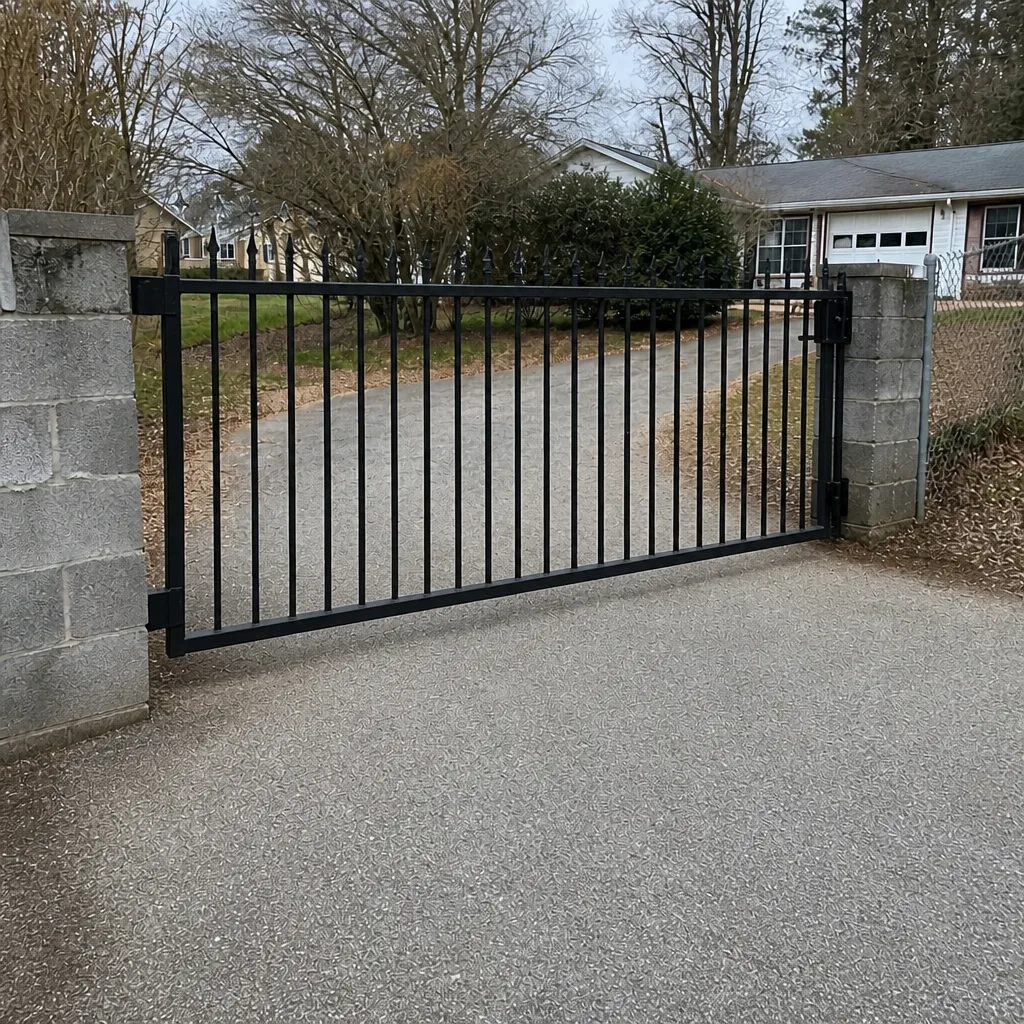
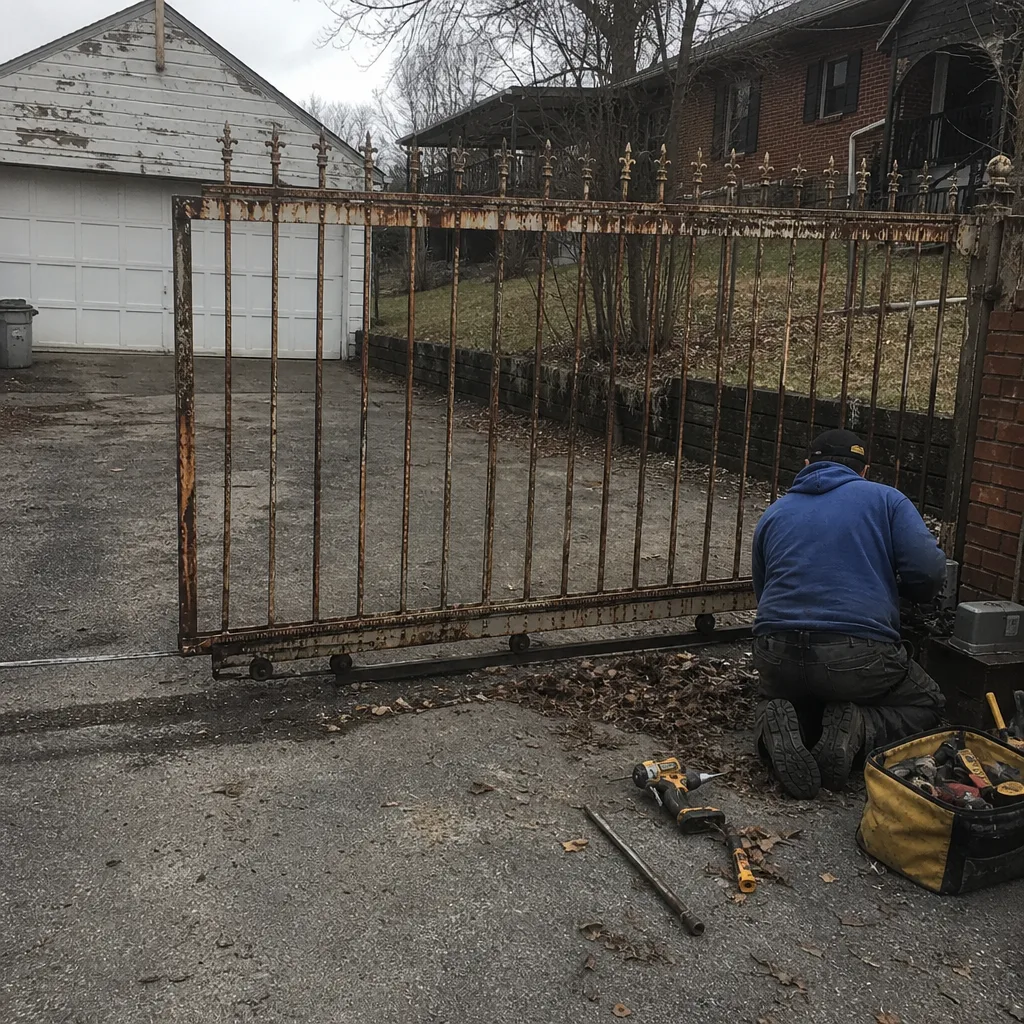
See the difference
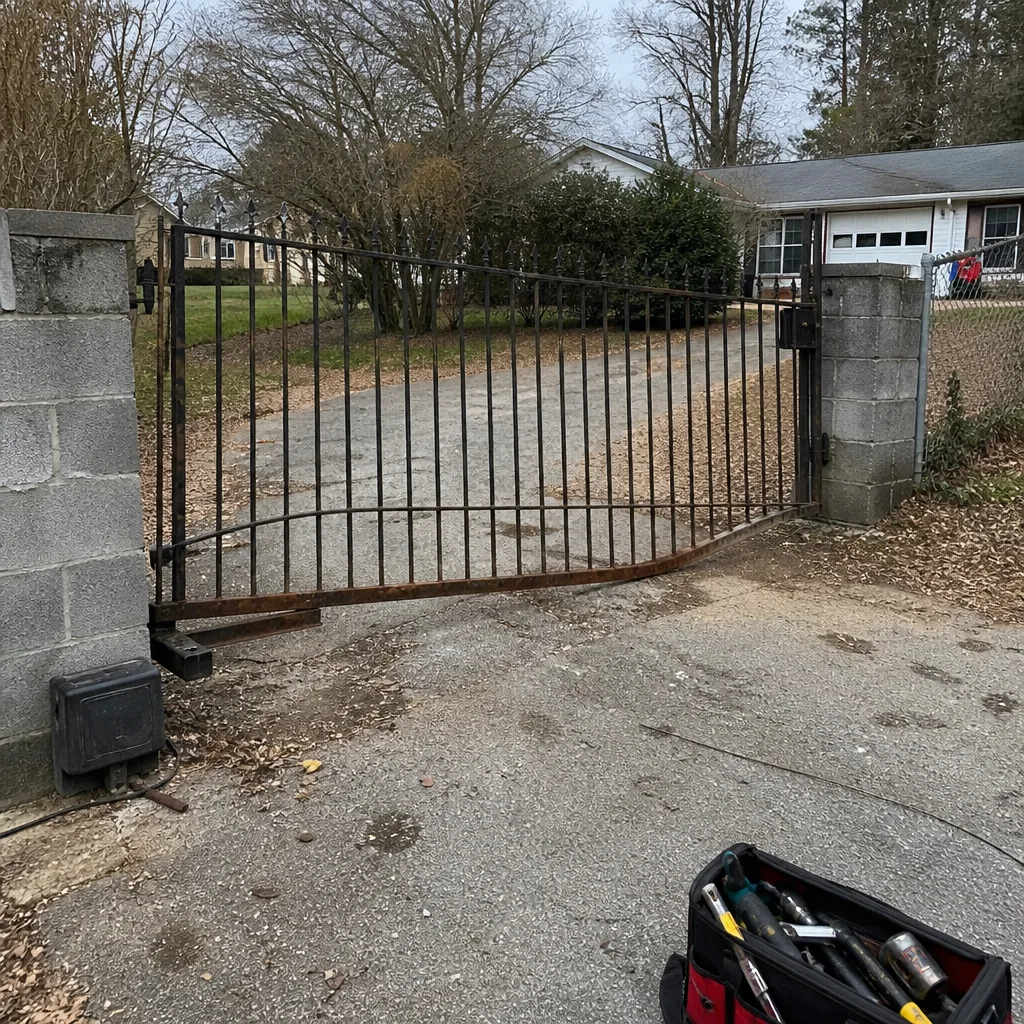 Before
 After
 Before
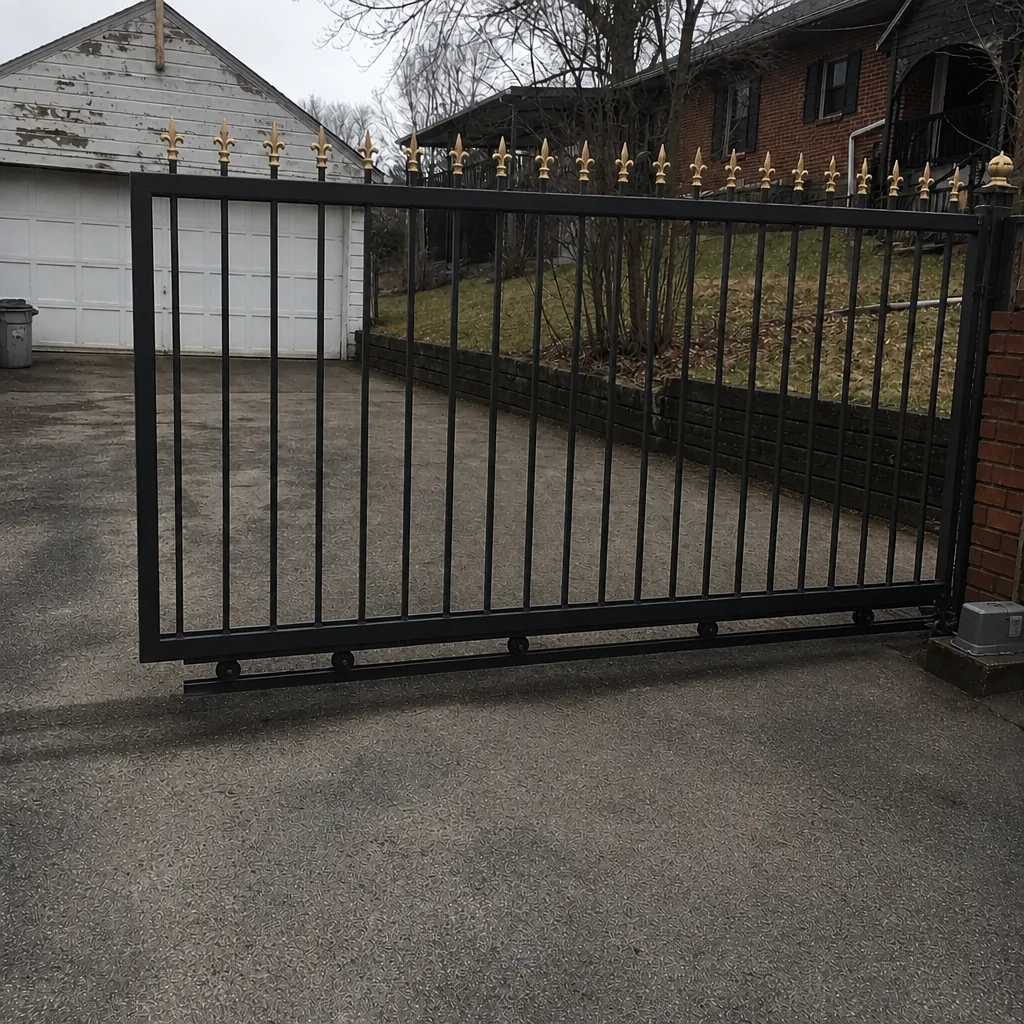 After
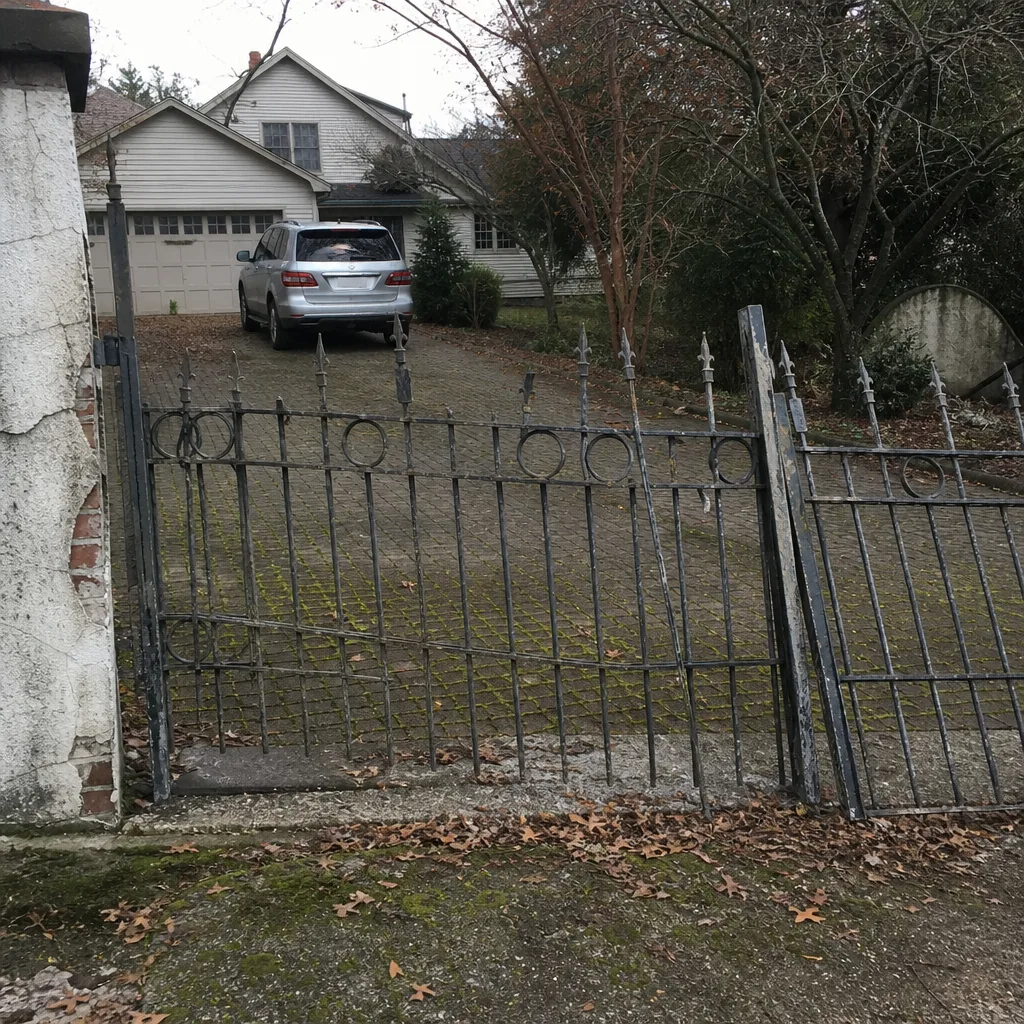 Before
 After
When to Call a Professional
Call a technician when the gate is holding power, the diagnostic light is reporting a code you can’t rule out, or the gate has become a security or access problem. A gate stuck open is a security gap; a gate stuck closed is an access emergency. If your photo-eye alignment is clean and the gate still reverses, if a dual-gate system cycles one leaf but not the other, if a post has visibly settled, or if you suspect the control board, stop and call. We answer 24/7. A call outside dispatch hours is booked into the next opening, Sunday through Friday, 7am to 7pm. Our technicians have up to 9 years of experience and handle repair on LiftMaster, FAAC, BFT, Linear, Viking, Ghost Controls, DoorKing, Elite, and Mighty Mule. Gate Repair Knoxville offers free estimates in Knoxville. Call (866) 361-6964.
Frequently Asked Questions
Gate repair in Knoxville is priced per job by a written estimate after we look at the gate, and the estimate is free. The written price sets the final cost, not a ballpark given over the phone. A safety-sensor correction and a control-board replacement are very different jobs and price accordingly. Call (866) 361-6964 for an exact quote, and we’ll quote and agree the price before any work starts.
Your gate opens but won’t close almost always because a safety input, such as a photo-eye, safety edge, or loop detector, is telling the operator there’s an obstruction. Work through those inputs in order. If all of them check out and the gate still refuses to close, the control board or receiver is the fault. That’s a technician diagnosis.
Yes, and it’s one of the most common misdiagnoses in Knoxville. Clay soil that swells and shrinks seasonally can settle a gate post enough to bind the gate and send the operator into a reversal. The check is a hand-walk of the gate in manual release. If it drags or won’t sit square, the problem is mechanical, not electrical.
We work on Mighty Mule, LiftMaster, FAAC, BFT, Linear, Viking, Ghost Controls, DoorKing, Elite, and Mighty Mule. That spans both residential openers and commercial access systems, so we diagnose your specific platform rather than push the brand we happen to stock. Call (866) 361-6964 and tell us what’s on your gate.
Repair first, unless the operator is genuinely at end of life or the control board is no longer serviced by the manufacturer. Most gate problems are power, signal, or mechanical issues that a repair corrects without a new operator. Because we work across competing brands, the recommendation is based on what the system actually needs. Call us and we’ll look properly before recommending either path.
If the operator has power and responds to some commands but not others, the wiring or the receiver is usually involved. If there’s no power to the operator at all, check the dedicated circuit first. Wiring runs from the operator to the gate and to the sensors, and a single damaged run can produce symptoms that look like a board failure. That diagnosis takes a meter, not a guess.
The Bottom Line
Gate trouble in Knoxville is almost always diagnosable from the symptom alone. Sort it into power, signal, mechanical, or control board. Check what your operator’s indicator LED is telling you. Walk the gate by hand before you buy a part, because the clay soil and settlement behind most misdiagnosed failures will show themselves on that walk. And know where the DIY line is. Sensors and remotes are yours to check; wiring, boards, and physical gate corrections are a technician’s work. Read the signals before you replace anything. For installation and repair across the gate’s life, one provider keeps the diagnosis unified. Call (866) 361-6964 for a free estimate, and we’ll quote the price in writing before any work begins.
Written by the team at Gate Repair Knoxville.